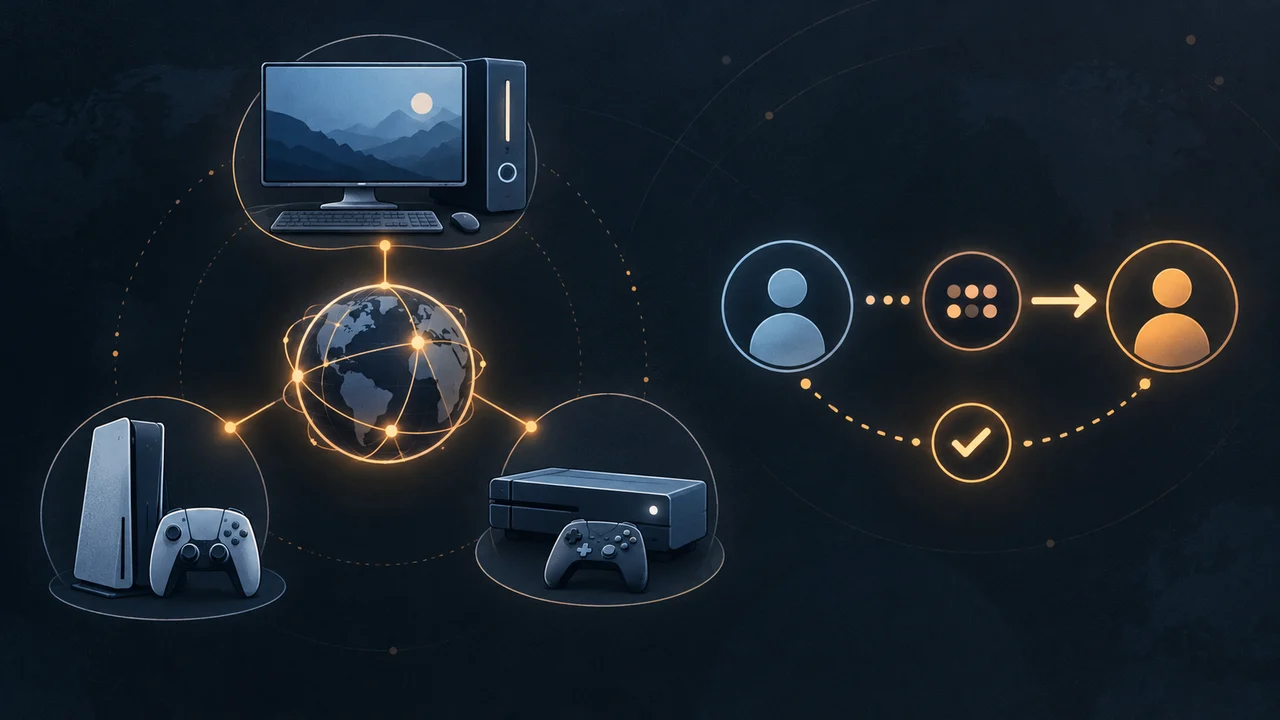
Quick answer: yes. Halloween: The Game supports crossplay between Windows PC (Steam or Epic), PlayStation 5 and Xbox Series X|S. The official September 8 Patch 1.0.1 note says cross-play party members now follow the leader into a matchmade lobby instead of being kicked to the main menu or dropped from the party. Friend-code menu steps remain a third-party report, and the reviewed first-party sources do not confirm cross-progression.
Crossplay platforms
| Platform | Crossplay status | Evidence boundary |
|---|---|---|
| PC — Steam | Confirmed Supported | Available platform covered by the official all-platform statement. |
| PC — Epic Games Store | Confirmed Supported | Available platform covered by the official all-platform statement. |
| PlayStation 5 | Confirmed Supported | Available platform covered by the official all-platform statement. |
| Xbox Series X|S | Confirmed Supported | Available platform covered by the official all-platform statement. |
What Patch 1.0.1 changed for crossplay parties
IllFonic's September 8 launch note says Patch 1.0.1 addressed the cross-play matchmaking issue reported during Early Access. The documented failure was a party member being kicked to the main menu or dropped from the party when the leader entered matchmaking; the documented 1.0.1 result is that party members follow the leader into the matchmade lobby. This is a dated patch claim, not a live guarantee that every connection succeeds.
| State | What the official note says | Evidence boundary |
|---|---|---|
| Before Patch 1.0.1 | Party members could be kicked to the main menu or dropped from the party when the leader entered matchmaking. | Historical Early Access symptom. |
| Patch 1.0.1 documented result | Cross-play party members follow their leader into a matchmade lobby. | Official patch behavior; no site-run platform-pair test. |
| If the symptom still happens | Confirm every party member has the current update, rebuild the party once, then check the official support and social channels for a newer incident. | Conservative triage, not a guaranteed repair or live status result. |
Choose the crossplay route that matches your task
| Your task | Route described in the evidence | Evidence grade | Success state established here |
|---|---|---|---|
| Confirm two platforms can play together | Use the official all-available-platform statement and the supported-platform table above. | Confirmed Official compatibility | Compatibility policy only; no connection test. |
| Invite someone on the same platform | The captured guide says the player should appear in the platform friend list. | Reported route Secondary report | Not independently reproduced. |
| Add someone on another platform | The captured guide reports a unique code on the second Friends tab, followed by a party invite after the account appears. | Reported route Secondary report | No current-build added-friend or joined-party capture. |
| Play after the party forms | The same guide reports that the assembled party can enter matchmaking or a private match. | Reported route Secondary report | No current matchmaking/private transition was tested here. |
Reported cross-platform friend-code steps
Reported route Third-party menu route
AllThings.How captured this interface and described the steps below. We have not reproduced them in the current game build, so menu labels or placement may change after a patch.
- Open the in-game Friends menu. The captured guide places it behind the three-person icon in the upper-left corner.
- Use the second tab for another platform. The guide says this tab displays your unique friend code.
- Exchange and enter a code. Share one player’s code, enter it from the same menu on the other system, then send the party invite after the account appears.
- Create the match only after the party is together. The guide reports that the assembled party can enter matchmaking or a private match.
Friends on the same platform should appear in the platform friend list first, according to the same captured guide. If these controls do not match your screen, stop before assuming an account or network fault: the interface may have changed with your build.
Crossplay not working after Patch 1.0.1
Start with the exact state you can see. Patch 1.0.1 documents a fix for party members being sent to the main menu or removed from the party during matchmaking, but this site did not run a live server or platform-by-platform reproduction. The rows below separate the official patch result from older incidents and reported interface steps.
| Observed symptom | Supported check | Expected result | Evidence limit / next stop |
|---|---|---|---|
| A party member is sent to the main menu or removed when the leader starts matchmaking | Confirm Patch 1.0.1 or a later available update is installed for every party member; relaunch and rebuild the party once. | The official 1.0.1 result is that members follow the leader into the matchmade lobby. | If it persists, the evidence here cannot identify a current cause. Check official support or social channels. |
| One platform does not show the same available build | Finish the available update on every platform before rebuilding the party. | Everyone starts from the same available game version. | An Xbox deployment lag occurred on September 7; that historical incident does not prove a current lag. |
| The Friends tab or code control does not match this guide | Stop using the reported menu sequence and check current official support or patch information. | A current source, if available, identifies the current route. | The friend-code route is a secondary capture; there is no current-build reproduction. |
| A friend code or invite does not create a joined party | Retry the documented UI only if it matches the current screen, then stop and check official support. | No success state is established by the reviewed evidence. | Do not rely on a creator workaround as a guaranteed fix; it showed typed advice, not game UI. |
| You suspect a service-wide incident | Check the official game site and official social channels for a newer dated notice. | A current official notice identifies an incident, or the cause remains unknown. | No live status or current platform-by-platform test was collected. |
Needs verification Current service status not verified
The September 8 patch note documents the intended 1.0.1 behavior. It does not establish current uptime, every platform's active build, or the cause of a failure today.
Crossplay is not cross-progression
Crossplay answers whether different platforms can join the same multiplayer match. Cross-progression answers whether unlocks and character progress follow you when you switch platforms. The official material reviewed for this page confirms the first and does not confirm the second.
A captured third-party guide says progress does not carry across platforms. Treat that as a reported limitation, not an official promise. Verify against the current store or support information before buying another copy to move an existing account.
Crossplay FAQ
Does Halloween: The Game support crossplay?
Yes. The official game account says crossplay is supported across all available platforms: Windows PC through Steam or Epic, PlayStation 5, and Xbox Series X|S.
What crossplay problem did Patch 1.0.1 fix?
The September 8 patch note says party members now follow the leader into a matchmade lobby instead of being kicked to the main menu or dropped from the party. This does not prove current server status or every connection outcome.
How do I add a friend on another platform?
A captured third-party guide reports a unique code on the second tab of the in-game Friends menu. This site has not reproduced that flow in the current build, so stop if the menu does not match your screen.
Does Halloween: The Game have cross-progression?
The first-party sources reviewed for this page do not confirm cross-progression. A third-party guide reports that progress does not transfer, so verify with current official support before buying another copy.
Sources and evidence
- IllFonic: Halloween: The Game Out Now — Patch 1.0.1, official September 8 patch note documenting the cross-play party matchmaking change.
- Official Halloween: The Game crossplay statement, captured in Google results on September 7, 2026.
- Official Early Access Hotfix 1 rollout notice, a historical incident note rather than live status.
- IllFonic: Early Access Hotfix 1 notes.
- AllThings.How: captured friend-code and cross-progression guide Reported route